
How to Search the Mountain View Court Docket
Case.net is the tool Mountain View names for citation lookup. Start with the ticket itself and copy the number exactly as printed. Give the city the processing time it asks for before you ask about the case. Inside Case.net, search by name or case number. Filing date and scheduled hearing work too, and either one pulls public information. Open the result. Check the Case Header first, confirming the court and the case category. Only then read the dated Mountain View entries. One caution applies here. A listed setting is not a final result. What you see remotely is not a certified copy.
- Open Missouri Case.net and select the search method that matches the Mountain View citation or notice.
- Enter the Mountain View citation or case number exactly, including any leading zeroes or category letters.
- For a name search, narrow by available court, county, and date details before selecting a Mountain View result.
- Use the Case Header to confirm the Mountain View court, case type, filing date, division, and status.
- Read later events for a continuance, payment, hearing, or disposition, then call the Mountain View court for an imminent setting.
A blank search does not mean the ticket vanished. Mountain View asks you to wait 14 days from the ticket before contacting the court. The case could also be restricted, unprocessed, or filed under a different search field.
Mountain View Citation Waiting Period
Mountain View tells citation holders to wait 14 days from the ticket date before calling. That rule marks a simple gap. Paper is in hand, but the record is not yet ready for public lookup. Search sooner and you may find nothing, even though the citation is real. Hold onto the citation, its printed response date, and the court name. The city processes it in that window.
Once the 14 days pass, check Case.net or call the Mountain View court office. Skip private ticket-payment sites and directories that cannot verify court jurisdiction. If a search result does not match your citation, take the question to the court. Do not guess at a similar name.
Note: The 14-day rule concerns court contact after a ticket. It does not extend a printed appearance date. It does not override a citation.
The Mountain View Municipal Court
The official Mountain View Municipal Court page puts the courtroom next to City Hall. The address is 120 North Oak, Mountain View, Missouri 65548. Mail goes to P.O. Box 1090. Call (417) 934-2601 during weekday office hours of 9:00 a.m. to 4:30 p.m. City holidays apply. The page also names the people on the bench and at the counter. William T. Hass serves as judge. Tiffany Young is the clerk.
Mountain View Municipal Court
Next to City Hall
120 North Oak
Mountain View, MO 65548
Mail: P.O. Box 1090
(417) 934-2601
Two addresses float around Mountain View. They are easy to mix up. The city home page lists City Hall at 126 Oak Street, while the court page lists 120 North Oak for the court counter. Handle court business through the court page and phone. Call if the location is unclear.
Mountain View Court Address Distinction
Mountain View publishes two nearby but different location references, and travelers should know the split. The city home page puts City Hall at 126 Oak Street. The municipal-court page puts the court next to City Hall at 120 North Oak. Both are official. They just serve different purposes. For an appearance, docket question, payment, or record inquiry, the court page is the specific source. A quick call to the Mountain View court can settle any uncertainty. Make it before you drive over. The official Mountain View city home page documents the City Hall address. That differs from the court-counter description.
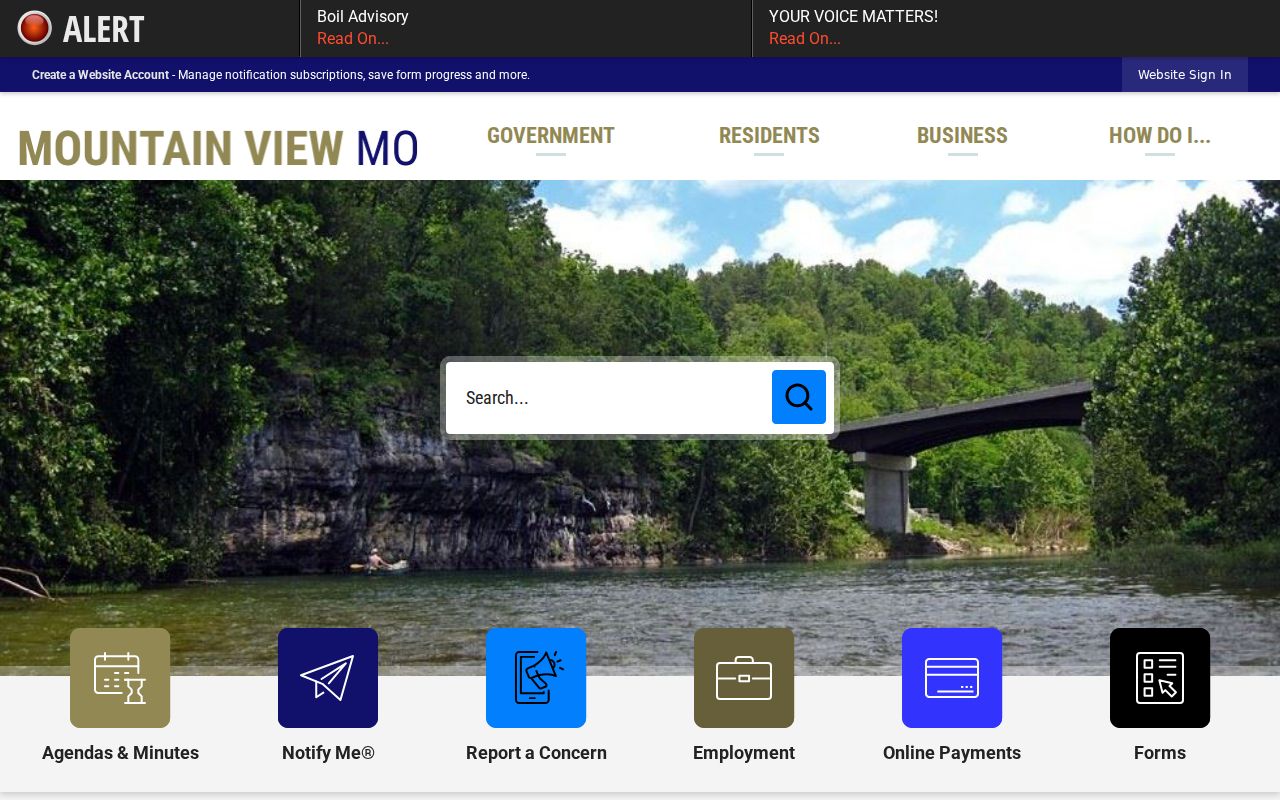
That address caution is worth repeating. For the Mountain View court counter, the municipal-court page remains the direct source.
Mountain View Court Dates and Settings
Mountain View's official 2026 schedule lands court on the third Wednesday of most months. Arraignments start at 10:00 a.m. The calendar then moves through announcements, sentencings, case review, show cause, and probation or bond review. Trials get their own slot at 1:00 p.m. The city posts specific 2026 dates for January, February, March, April, June, July, August, September, October, November, and December. May is listed as no court.
| Date | The Mountain View date printed on the citation or the current 2026 city schedule. |
|---|---|
| Time | Arraignments begin at 10:00 a.m.; Mountain View trials are listed for 1:00 p.m. |
| Court | Mountain View Municipal Court, using the court page for the counter location. |
| Judge | William T. Hass is named on the Mountain View municipal-court page. |
| Setting type | Arraignment, announcement, sentencing, case review, show cause, probation or bond review, or trial. |
The schedule only covers one calendar year. Your individual record and later Case.net entries control if a setting moved, was cancelled, or resolved.
Mountain View 2026 Docket Sequence
The third-Wednesday pattern is a sequence, not one type of hearing. At 10:00 a.m. the arraignment block opens the session. Announcements, sentencings, case review, show cause, and probation or bond review follow. Trials sit separately at 1:00 p.m. Read each Mountain View docket entry against its label. A setting can be purely procedural. A show-cause or case-review listing is not a final judgment.
- Arraignment
- A Mountain View criminal procedure event where charges, rights, and plea-related steps may be addressed.
- Announcement
- A Mountain View calendar label that should be read with the case entry to identify what was set.
- Show cause
- A Mountain View event label that requires the case record and court instruction for its actual purpose.
- Continuance
- A Mountain View setting moved to another date; later docket events must be checked.
The official Mountain View municipal-court schedule is the source for the 2026 dates and event sequence.
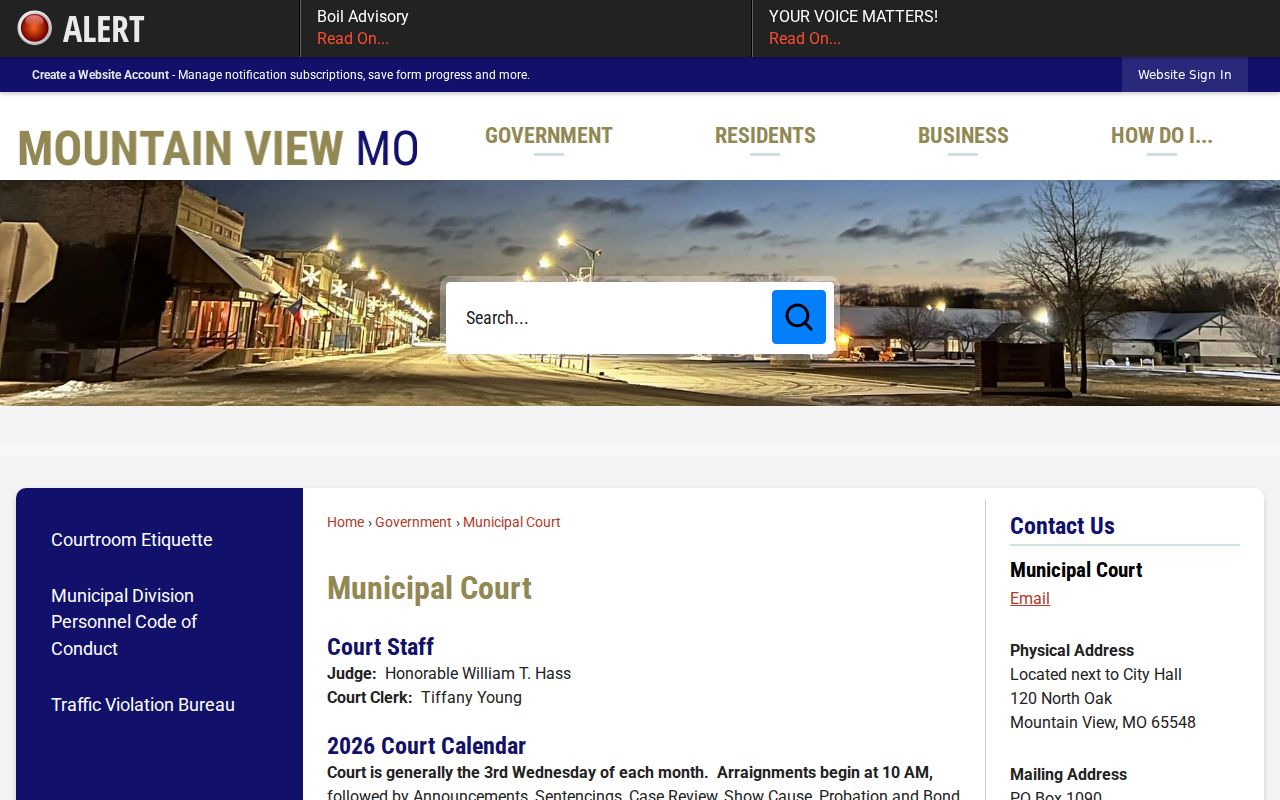
That schedule is helpful context. For an individual Mountain View appearance, a citation plus current court confirmation is stronger evidence.
Mountain View Traffic Tickets
A Mountain View citation carries the city's own instructions. The court asks drivers to contact it within 14 days of the ticket. Once the case is processed, you can pull it up on Case.net. Mountain View takes cash, cashier's checks, and money orders, and cards or eCheck run through Missouri Courts Plead & Pay. A mail or drop-box option exists too. Read the citation carefully, because only the current court instruction tells you whether paying closes the matter or a court appearance is required.
Skip a payment or a hearing and a warrant can follow. Mountain View also reports moving violations to the Missouri Department of Revenue, where points may land on a license. That state driver record sits apart from the Mountain View court docket, which tracks the city case itself: hearings, payments, costs, orders, and the final disposition. The wider county picture is in Howell County traffic court records. One caution stays. A paid citation still leaves a docket trail, so check the later case status instead of assuming the payment entry says it all.
Mountain View Payment Receipt Steps
Have your citation number ready before you deal with Mountain View on any payment. The city lists cash, cashier's checks, and money orders at the counter. Cards and eCheck go through Missouri Courts Plead & Pay. Mail and the drop box work too, as long as your name is legible; for a receipt, include a self-addressed stamped envelope or an email method. Attorneys pay by firm check or through eFiling. None of these routes guarantees a case can be resolved without court action.
Check the court, case number, balance, and response date before sending money, and confirm the citation permits payment at all. A live state payment screen shows the current amount and any convenience charge, so read those figures there rather than relying on older guidance. Tie any receipt request to the case identifier so the court can match it to the right docket.
Where Mountain View Cases End Up
Where a Mountain View case lands depends on the court named on the citation and the city court page. Municipal matters stay on the city route. Anything filed outside the municipal tier moves to the Howell County courts inside Missouri's 37th Judicial Circuit. The city of origin alone does not settle the question. Case.net shows the court and case type, so a Mountain View searcher should read the Case Header before calling a result municipal.
Docket flow: Mountain View Municipal Court › Howell County Courts › 37th Judicial Circuit
The Howell Circuit Clerk handles county trial-court records, filings, judgments, and settings. Calendars, payments, and counter questions for city cases stay with Mountain View. The full county layout is in the Howell County court docket overview.
Mountain View Municipal Record Framework
Mountain View runs its local procedures inside Missouri's municipal-division system. Under Rule 37.04, municipal materials cover public access to pending cases, warrants, scheduled dockets, and payments, while the court records themselves stay inside the statewide framework. So a public Mountain View result can show a case number, category, date, court action, payment or cost event, and a setting. It does not open every document or personal field to the public. The official Rule 37.04 municipal appendix sets out that state-level public-access framework behind a Mountain View municipal docket.
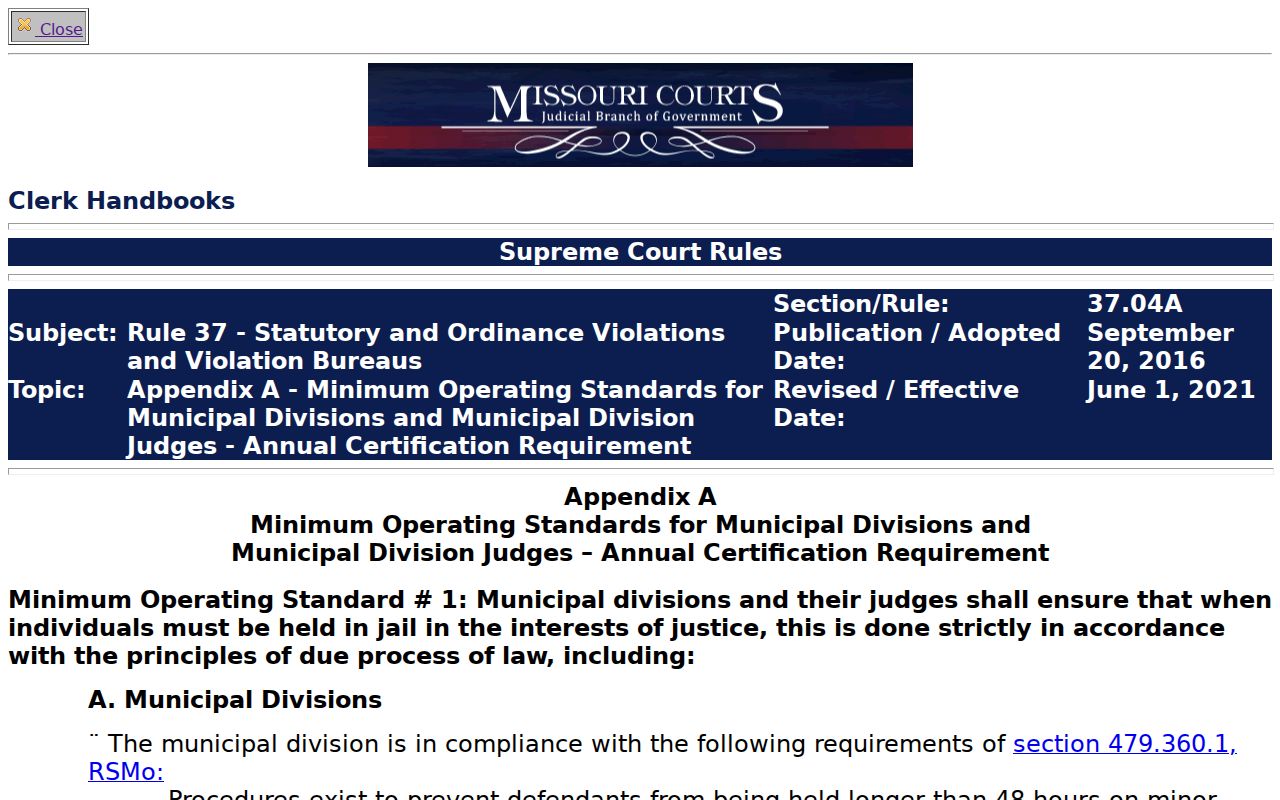
The Rule 37.04 material connects Mountain View practice to the state municipal-record framework. It never replaces the city's own counter instructions.
Public Access to Mountain View Court Records
Mountain View makes municipal-court information public through city instructions and the statewide Case.net route, confidentiality rules permitting. A court record can be public while a document is redacted, sealed, expunged, juvenile-related, or otherwise restricted. Questions about a city record, a copy, or a court date go to the Mountain View court office. A Howell trial-court record is a different errand; use the Howell Circuit Clerk rather than assuming the Mountain View counter keeps the county file.
Key Rules:
Missouri Sunshine Law, RSMo Chapter 610 provides a public-record response framework subject to court-specific rules.
Missouri Court Operating Rule 4 describes official court records, automated indexes, and confidentiality limits.
RSMo §610.120 restricts ordinary public access to closed records except when authorized by law.
Search results are not a substitute for documents that are not public. If a document link comes back blank, the display simply does not offer that content.
Mountain View Court Docket Limits
Missouri Court Operating Rule 4 defines the official court record to include filed documents, the docket, and judicial actions, while still honoring confidentiality limits. For Mountain View, that cuts both ways. A public case index helps without ever being complete. Keep three lines separate: a docket entry is not the underlying file, a scheduled event is not an event that happened, and a remote display is not a certified record. The official Missouri court operating rule material states the record boundaries that a Mountain View docket reader should know.
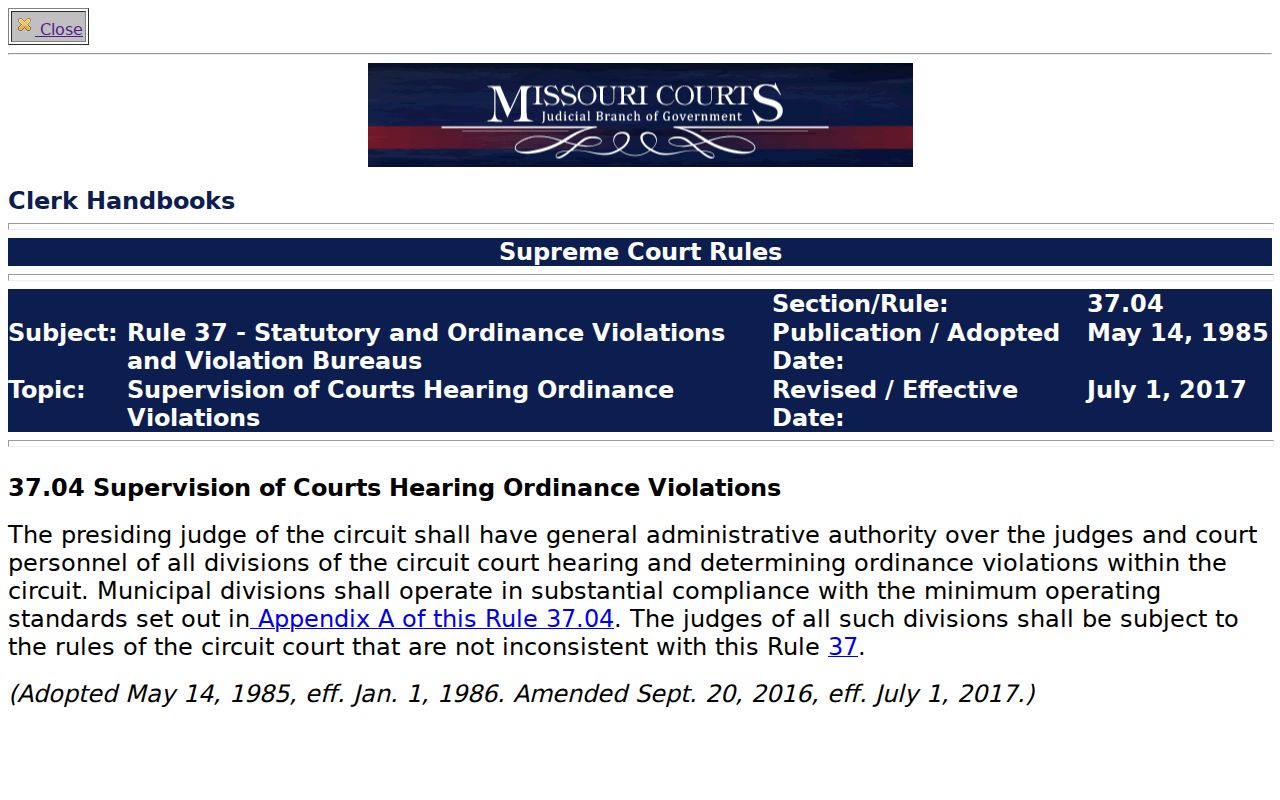
The operating-rule material is the reminder. Mountain View court information carries both public access and confidentiality limits. Want a copy? Write down the Mountain View case number, court, and case type before calling the clerk. That detail separates a city municipal request from a Howell trial-court request, and it keeps you from mistaking the public display for a certified record.